Welcome to your guide on whether to install a home theater system or a media center in your living space! With advancements in technology, you now have the option to create the ultimate entertainment experience at home. Let us explore the differences between the two setups, the pros and cons of each, and help you decide which one best suits your needs and preferences. So sit back, relax, and get ready to elevate your viewing experience to the next level with a customized home entertainment system. Have you ever considered setting up a home theater system or a media center in your living room, but not sure where to start? Maybe you’ve heard about the benefits of each option, but you’re not sure which one is the best fit for your space and needs. In this article, we’ll break down the differences between a home theater system and a media center, and provide you with step-by-step instructions on how to install either option in your home.
Home Theater System vs. Media Center: What’s the Difference?
Let’s start by defining what a home theater system and a media center are, and what sets them apart from each other.
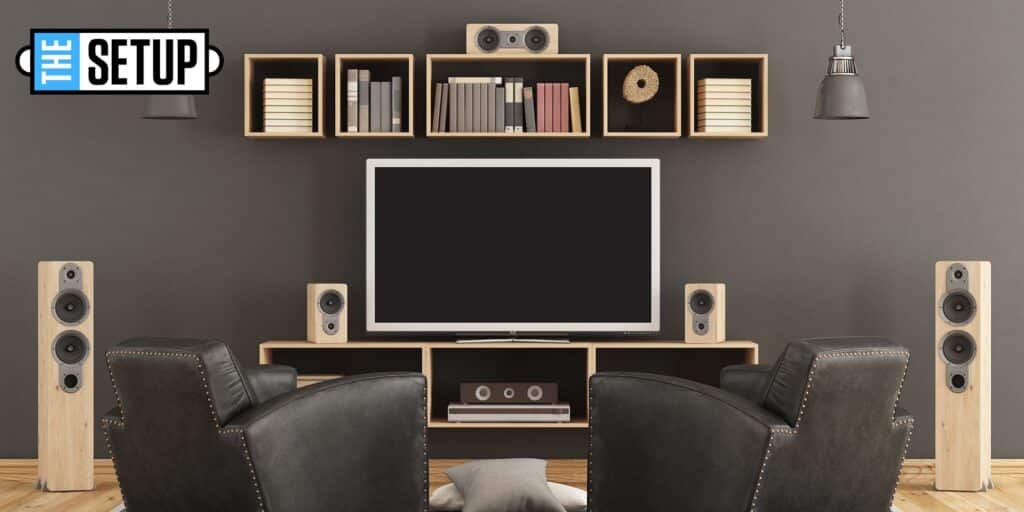
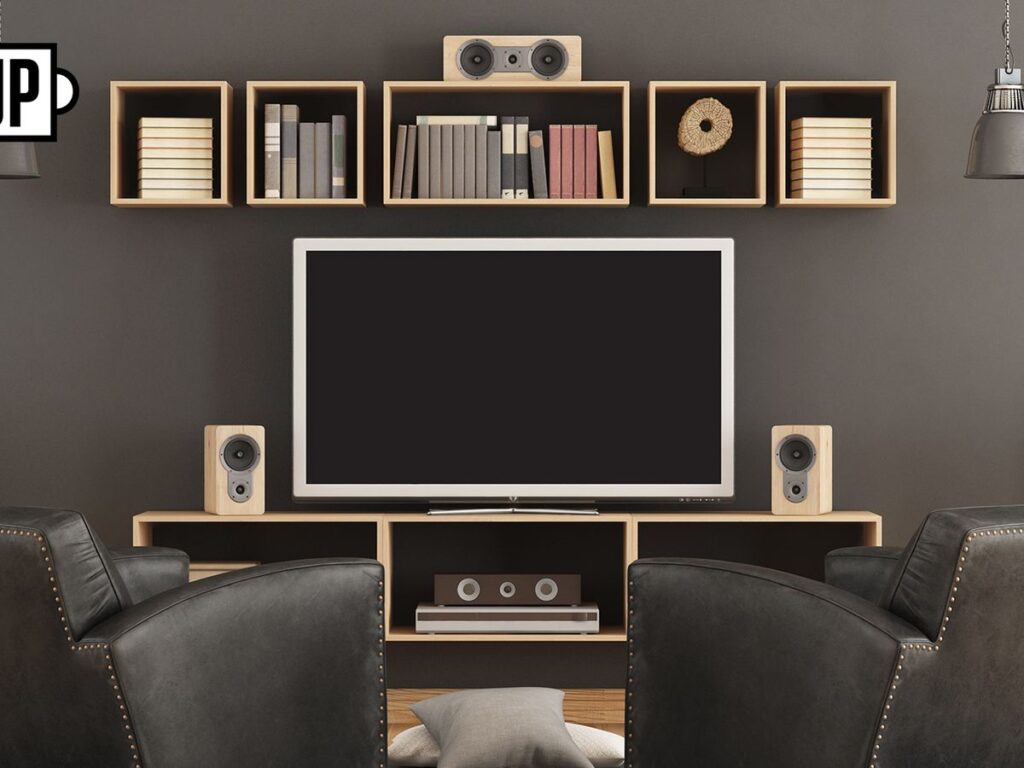
A home theater system is a setup that includes a large TV or projector screen, surround sound speakers, a receiver, and various audio/video sources such as a Blu-ray player, cable box, or streaming device. The goal of a home theater system is to provide an immersive movie theater-like experience in the comfort of your own home.
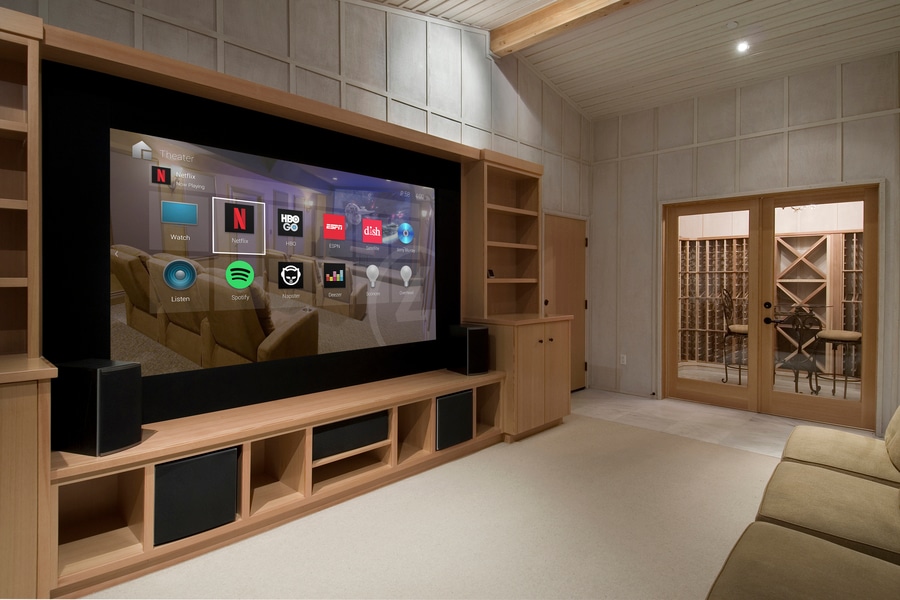
On the other hand, a media center is a hub for all your entertainment needs, including streaming services, gaming consoles, cable TV, and more. It typically consists of a smart TV or computer monitor, a streaming device like Apple TV or Roku, a gaming console, and a soundbar or speakers. The focus of a media center is on convenience and accessibility to a wide range of entertainment options.
Which One is Right for You?
Now that you know the difference between a home theater system and a media center, let’s discuss which option might be the best fit for your living room.
- If you’re a movie buff who loves the cinematic experience and wants to recreate that in your home, a home theater system is the way to go.
- If you prefer flexibility and convenience in accessing a variety of entertainment options, a media center might be more suitable for your needs.
Ultimately, the decision between a home theater system and a media center comes down to your preferences and priorities when it comes to home entertainment.
Setting Up a Home Theater System
If you’ve decided that a home theater system is the right choice for you, here’s how you can set it up in your living room.
Step 1: Choose the Right Location
The first step in setting up a home theater system is to choose the right location for your TV or projector screen. Consider factors like room size, viewing distance, and room layout when determining the best placement for your display.
Step 2: Install the TV or Projector
Once you’ve chosen the location for your TV or projector screen, it’s time to install it. Depending on whether you’re using a TV or projector, you’ll need to mount it on the wall or ceiling, or place it on a stand or media console. Make sure it’s positioned at eye level for optimal viewing comfort.
Step 3: Connect the Surround Sound Speakers
The next step is to connect the surround sound speakers to your receiver. Place the speakers strategically around the room to create an immersive audio experience. Make sure to follow the manufacturer’s instructions for setting up and calibrating the speakers for the best sound quality.
Step 4: Set Up the Receiver and Audio/Video Sources
After installing the speakers, connect the receiver to your TV or projector screen and audio/video sources like a Blu-ray player, cable box, or streaming device. Make sure to calibrate the receiver settings to optimize the audio output for your specific setup.
Step 5: Test and Adjust
Once everything is connected, turn on your home theater system and test the audio and video quality. Make any necessary adjustments to the speaker placement, audio settings, and video settings to achieve the best viewing and listening experience.
Installing a Media Center
If you’ve decided that a media center is the better option for your needs, here’s how you can install one in your living room.
Step 1: Choose the Right Display
The first step in setting up a media center is to choose the right display for your entertainment needs. Consider factors like screen size, resolution, smart TV capabilities, and connectivity options when selecting a TV or computer monitor for your media center.
Step 2: Set Up the Display
Once you’ve chosen the right display, it’s time to set it up in your living room. Depending on whether you’re using a TV or computer monitor, you’ll need to mount it on the wall or place it on a stand or media console. Make sure it’s positioned at eye level for comfortable viewing.
Step 3: Connect the Devices
The next step is to connect all your entertainment devices to the display, including a streaming device, gaming console, cable box, and soundbar or speakers. Make sure to use the appropriate cables and ports for each device, and follow the manufacturer’s instructions for setup and configuration.
Step 4: Install Streaming Services and Apps
After connecting the devices, install and set up your preferred streaming services and apps on your media center. This might include Netflix, Hulu, Disney+, Amazon Prime Video, YouTube, and more. Log in to your accounts and customize the settings to personalize your entertainment experience.
Step 5: Test and Enjoy
Once everything is set up and configured, test your media center to ensure everything is working properly. Play a movie, TV show, or game to experience the full capabilities of your setup. Sit back, relax, and enjoy all the entertainment options available to you through your media center.
Whether you decide to set up a home theater system or a media center in your living room, both options offer unique benefits and experiences for your home entertainment needs. By following the step-by-step instructions outlined in this article, you’ll be able to install a home theater system or media center with ease and enjoy an immersive and convenient entertainment experience in your own home.
